



This free PHP SERP checker finds a domain’s Google position for a keyword using SerpApi. The 2026 version includes country and language targeting, multi-page checking, complete source code, a working demo and a downloadable package.
Google SERP Checker PHP Script (2026 Update)
I’ve made this SERP checker PHP script that shows the position or Google rank of a page for a certain keyword search. It also displays a preview of how a certain page looks on the search engine results page. Though SERP is a generic term referring to all search engine results, I will only focus on Google.
This is a keyword ranking checker PHP script that allows checking the Google ranking of a page for a particular keyword online, but this presents several challenges because Google restricts scraping info from their pages. There is a workaround by using a dedicated search API.
You can download the source code for this PHP script for free. The SERP Checker PHP script is free to use for personal and commercial use with attribution. Please include a link to:
https://www.coding-dude.comCheck out the free Google SERP checker DEMO page.
Using this Google keyword position checker PHP script you will be able to retrieve the current Google rank of a page for a specific keyword in the language or country you want.
Before downloading the source code for the PHP keyword rank checker, let’s clear up some terms and lay out the basics for my SERP checker script:
What Does SERP Mean?
SERP or Search Engine Result Page refers to the way the search engine displays search results. Among SEO professionals, SERP most often refers to how a page will show up in the results and the page ranking in the search results. This post will be about Google SERPs.
Can I Do Manual Google SERP Checking?

Yes, but it’s very tedious.
Imagine the following:
I’ve recently published a post about a SEO experiment I’m running. With this experiment I’m trying to get that page to rank in Google for some keyword searches. I know the keywords I want to rank for, so to monitor the results for the experiment I want to know how high (or low) my page is in Google search results.
How do I do that?
I can manually search for “WordPress SEO experiment” in Google and I can see that my page is number 1 in the results. That’s easy, but what if I want to check my page rank on Google for another term? I’m not on the first page. Turning to page 2 of the search results I can see I’m on the first position of that second page.
But what if I’m lower, how will I know?
Google Webmaster Tools has Search Analytics that show you your pages ranking position for certain keywords. But, there’s a delay of about 4 days in the data collection. Also, you can only do that for your own site, and not for the competition.
How About Automated Google SERP Checking?
There are a lot of tools out there that claim to do SERP checking. And they do it. However, most of them are commercial tools.
How does automated SERP checking work?
Basically, you have a script that sends a query to Google emulating a user search. Then, through a process called scraping the script grabs the information that Google replies. Then the script extracts the information required.
That sounds simple, right?
But it’s actually not. Google doesn’t like automated scripts messing around in their search page.
Why?
Because they are recording every action real users do on the search page. They do that to improve the relevance of search results. It’s a known fact that Google will boost ranks of pages on which users tend to click more in the search results. But let’s get back to the SERP checks.
So, Google doesn’t like automated scraping. That’s why from time to time they will do checks using reCaptcha or even block access for such scripts. Many automated tools involve multiple IPs and proxies to avoid getting blocked by Google.
But there’s a safer way.
Using a third-party tool like SerpApi (since the official Google Custom Search API retired in 2026), let’s see how we can create our own search engine keyword position checker PHP script.
You can take this even further. You could use the same code and store the position for each keyword and link. This way you can create your own free SERP rank tracker. This could potentially be a very powerful SEO tool similar to what you get for high paying SEO tools like Ahrefs or Semrush.
Before Using The Google SERP Checking PHP Script
The SERP Checking PHP script below used to work with the Google Custom Search API. Because that API was retired, this updated 2026 version of the script relies on SerpApi. In order to use the script, follow these steps:
- Go to SerpApi.com and create a free account.
- Copy your API key from your dashboard.
- Paste the API key into the `$API_KEY` variable in the script below. You no longer need a Search Engine ID (`CX`).
Legacy (Pre-2026) Instructions:
Note: The following steps are kept here for historical purposes. The Google Custom Search API has been retired and these steps are no longer required or supported.
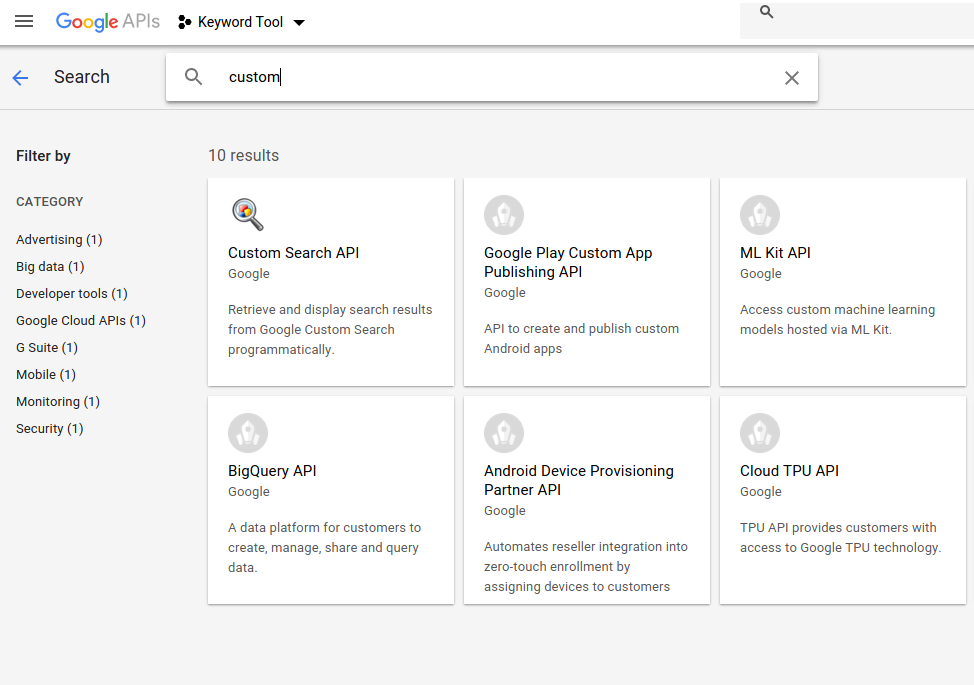
- Activate Google Custom Search API and create credentials by going here: https://console.developers.google.com
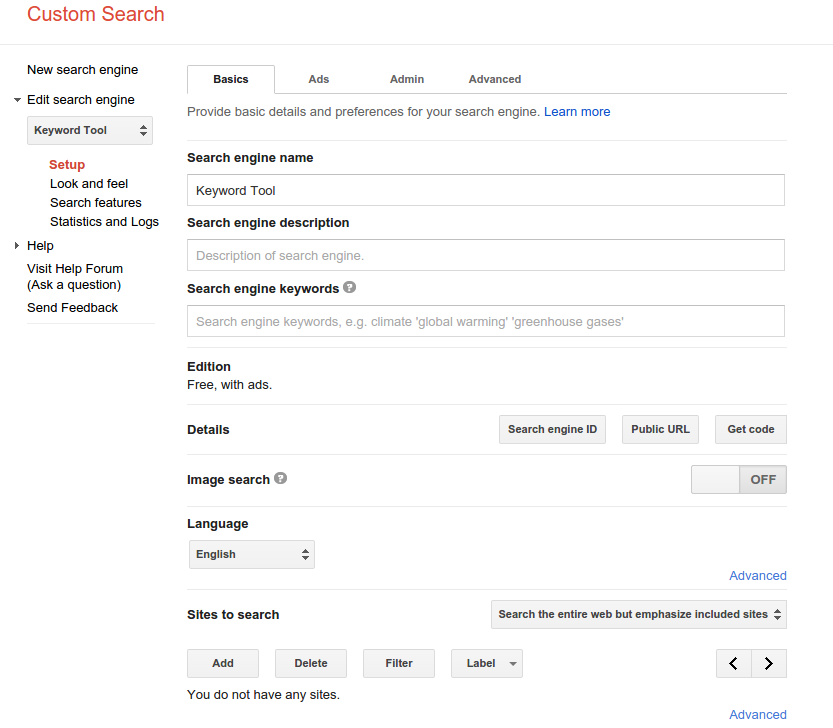
- Create a Google Custom Search Engine here: https://cse.google.com/cse/all
Without further ado, let’s take a look at
Some PHP Settings
While deploying this PHP SERP checker script on various server configurations I ran into the following error:
failed to open stream: no suitable wrapper could be found
This happens when trying to access external APIs using the PHP function file_get_contents(). To fix the error you need to make sure that your php.ini configuration file contains the following setting:
allow_url_fopen = on
The Updated SERP Checker Source Code (2026 Version)
<?php
$API_KEY = 'Insert Your SerpApi Key Here'; // Get a free key at serpapi.com

//the search query
$query = urlencode($_POST["query"]);
//the domain for which to show the ranking
$domain = $_POST["domain"];

//gl - google host country (e.g. 'us', 'uk')
//hl - user language (e.g. 'en', 'es')
//pages - how many pages should the search extend

$pages = isset($_POST["pages"]) ? (int)$_POST["pages"] : 1;
$gl = isset($_POST["gl"]) ? $_POST["gl"] : "us";
$hl = isset($_POST["hl"]) ? $_POST["hl"] : "en";

$found = false;
echo "<ul>";

for ($page = 1; $page <= $pages && $found == false; $page++){

    // SerpApi pagination uses start=0 for page 1, start=10 for page 2, etc.
    $start = ($page - 1) * 10;

    // Build the new API URL
    $apiurl = sprintf(
        'https://serpapi.com/search.json?engine=google&q=%s&api_key=%s&hl=%s&gl=%s&start=%d',
        $query, $API_KEY, $hl, $gl, $start
    );

    // Fetch and decode JSON
    $json = @file_get_contents($apiurl);
    if ($json === false) {
        echo "<li>Error fetching data from the API. Please check your API key.</li></ul>";
        break;
    }

    $obj = json_decode($json);

    // Check if there are organic results
    if (!empty($obj->organic_results)) {
        foreach ($obj->organic_results as $idx => $item) {

            $link = isset($item->link) ? $item->link : '';
            $title = isset($item->title) ? $item->title : '';
            $snippet = isset($item->snippet) ? $item->snippet : '';

            // Check if our domain is in the URL
            if (strpos($link, $domain) !== false) {
                $found = true;
                echo "<li>";
            } else {
                echo "<li class='other'>";
            }

            // $idx is 0-indexed within the organic_results array
            $rank = $idx + $start + 1;

            echo "<span class='rank'>" . $rank . "</span>";
            echo "<span class='title'>" . htmlspecialchars($title) . "</span>";
            echo "<span class='link'>" . htmlspecialchars($link) . "<small>▼</small></span>";
            echo "<span class='snippet'>" . htmlspecialchars($snippet) . "</span>";
            echo "</li>";
        }
    } else {
        // Break the loop if no more results are found
        break;
    }
}

if ($found !== true){
    echo "<li>";
    echo "<span class='title'>" . htmlspecialchars($domain) . " not found</span>";
    echo "</li>";
}
echo "</ul>";
?>
SERP CHECKER PHP ONLINE DEMO
OR
You can download a fully working PHP script that shows the position of a domain for a certain keyword search:
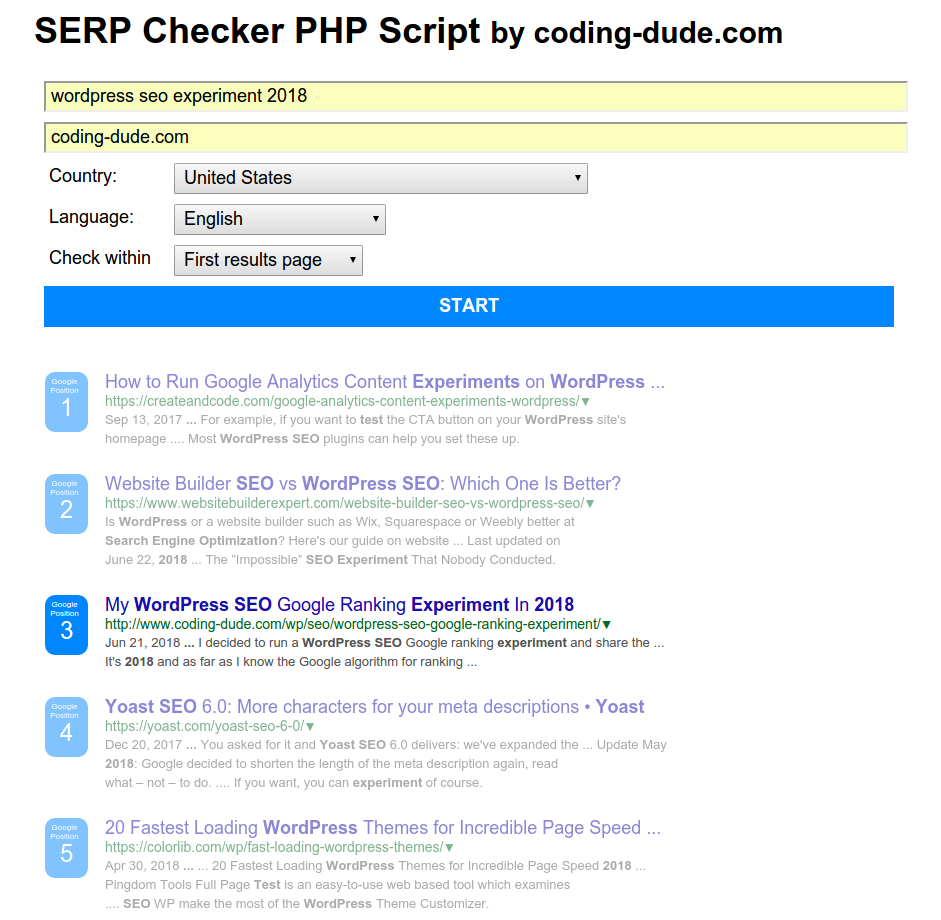
The download includes CSS that will style the search results just like in the Google search results, thus making it a fully working SERP checker.
Here’s how the tool looks like:
There you have it:
Your own updated Google keyword position checker PHP script. Please share if you found this useful.